
The ROUND function adjusts a number to a specified number of digits, either rounding up or down as needed.
The ROUND function uses these arguments:
=ROUND(number, num_digits)
Number (Required): The value you want to round
Num_digits (Required): The number of decimal places to round to
USING THE ROUND FUNCTION
Let’s round the number 1844,123 to various precision levels:
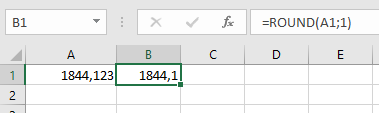
- One decimal place:
=ROUND(A1; 1)→ Returns 1844,1
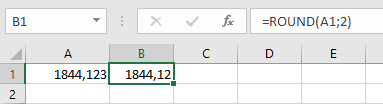
- Two decimal places:
=ROUND(A1; 2)→ Returns 1844,12
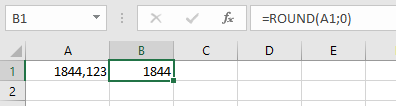
- Nearest integer:
=ROUND(A1; 0)→ Returns 1844
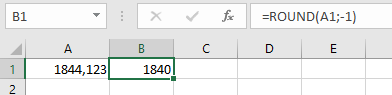
- Nearest 10:
=ROUND(A1; -1)→ Returns 1840
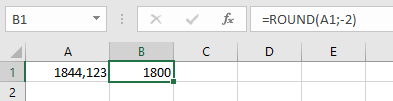
- Nearest 100:
=ROUND(A1; -2)→ Returns 1800
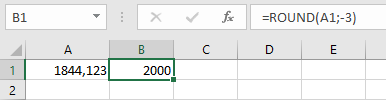
- Nearest 1000:
=ROUND(A1; -3)→ Returns 2000
Note: Positive num_digits rounds decimal places, zero rounds to whole numbers, and negative num_digits rounds to left of the decimal point.