
The ROUNDUP function rounds a number up (away from zero) to a specified number of digits.
The ROUNDUP function uses these arguments:
=ROUNDUP(number, num_digits)
Number (Required): The value you want to round up
Num_digits (Required): The number of digits to round to
USING THE ROUNDUP FUNCTION
Let’s round up 1233,345 to various precision levels:
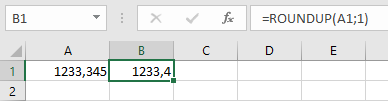
- One decimal place:
=ROUNDUP(A1; 1) → Returns 1233,4
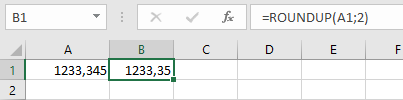
- Two decimal places:
=ROUNDUP(A1; 2) → Returns 1233,35
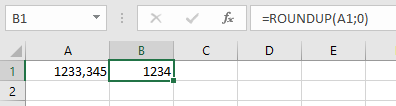
- Nearest integer:
=ROUNDUP(A1; 0) → Returns 1234
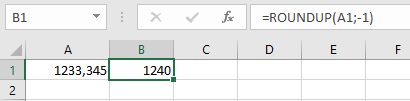
- Nearest 10:
=ROUNDUP(A1; -1) → Returns 1240
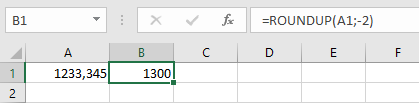
- Nearest 100:
=ROUNDUP(A1; -2) → Returns 1300
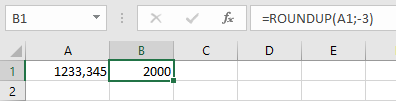
- Nearest 1000:
=ROUNDUP(A1; -3) → Returns 2000
Note: Unlike the standard ROUND function, ROUNDUP always rounds numbers upward regardless of the digit value.