
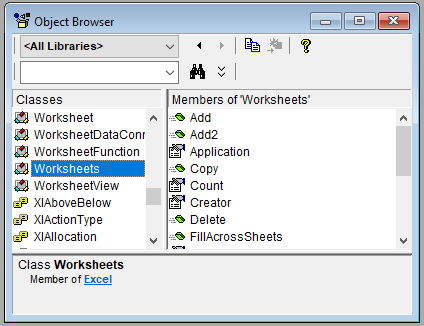
In the Visual Basic Editor (VBE), you can open the Object Browser by pressing the F2 key. This tool provides a comprehensive list of all available classes, along with their properties, methods, and events.
When you select a class—for example, WORKSHEETS as shown detailed list of that class’s properties, methods, and events appears on the right side of the window.
Additionally, further assistance is available through the Help menu in the VBE. By choosing the menu item Microsoft Visual Basic for Applications Help, you access Microsoft’s online documentation, which includes the VBA reference for Excel.
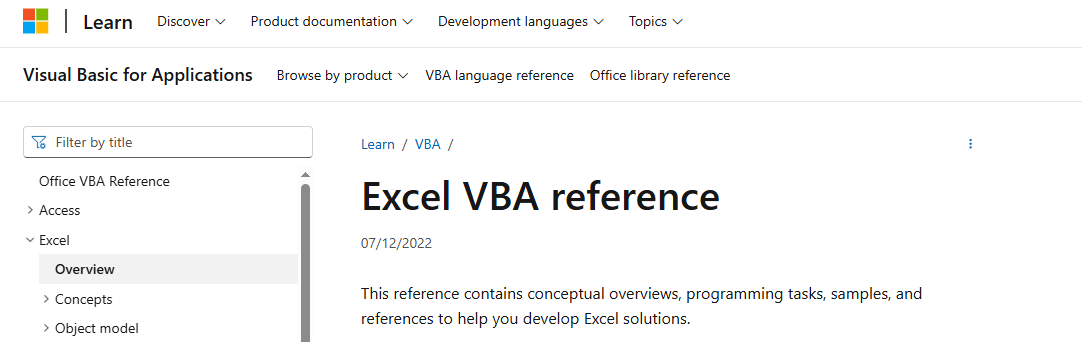
This reference is an invaluable resource for exploring VBA objects, understanding their members, and learning how to use them effectively in your projects.