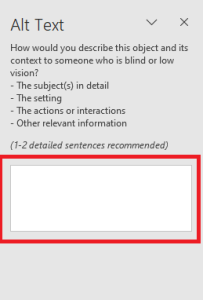
Alternative text allows screen readers to capture the description of an object and read it aloud, providing support to people with visual impairments.
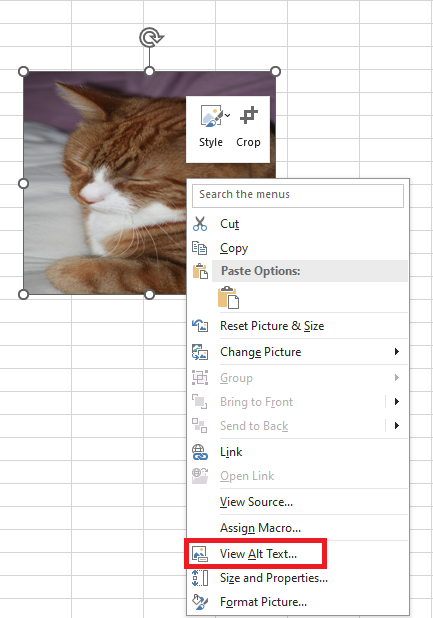
To add alternative text to an object in Microsoft Excel:
- Open your worksheet and insert an object (via Insert > Picture).
- Select the object.
- Right-click on the object, then choose Edit Alt Text from the context menu.
Unlike the Alt Text pane in Word or PowerPoint, Excel does not include the “Generate a description for me” option. You’ll need to write the description manually.
As a general rule, keep the alt text brief and descriptive.
You can omit unnecessary phrases such as « image of » or « photo of », as screen readers already indicate that the object is an image.