This function returns the confidence interval for the expected value of a random variable using a Student’s *t*-distribution.
Syntax
CONFIDENCE.T(alpha; standard_dev; size)
Arguments
- alpha(required): The significance level used to calculate the confidence interval. The confidence level is 100*(1 – alpha)%, meaning an alpha of 05 corresponds to a 95% confidence level.
- standard_dev(required): The standard deviation of the population. This value is assumed to be known.
- size(required): The sample size.
Background
Refer to the background information for the CONFIDENCE.NORM() function.
Example
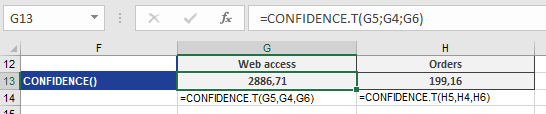
See the example for the CONFIDENCE.T function below.